
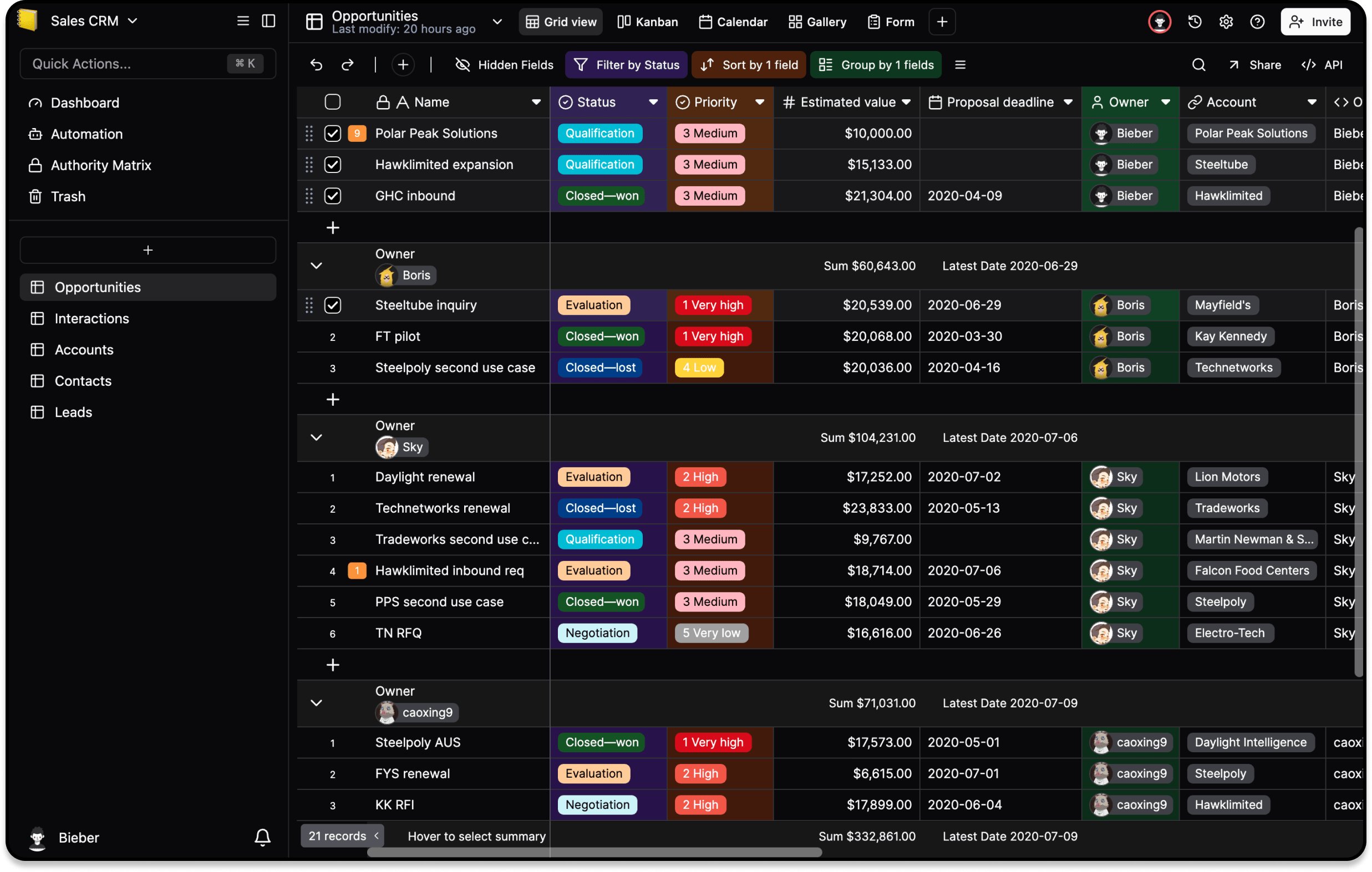
Should You Self-Host Teable?
A Teable self-hosting decision checklist covering the official repository, deployment responsibilities, cloud tradeoffs, and pre-production verification.
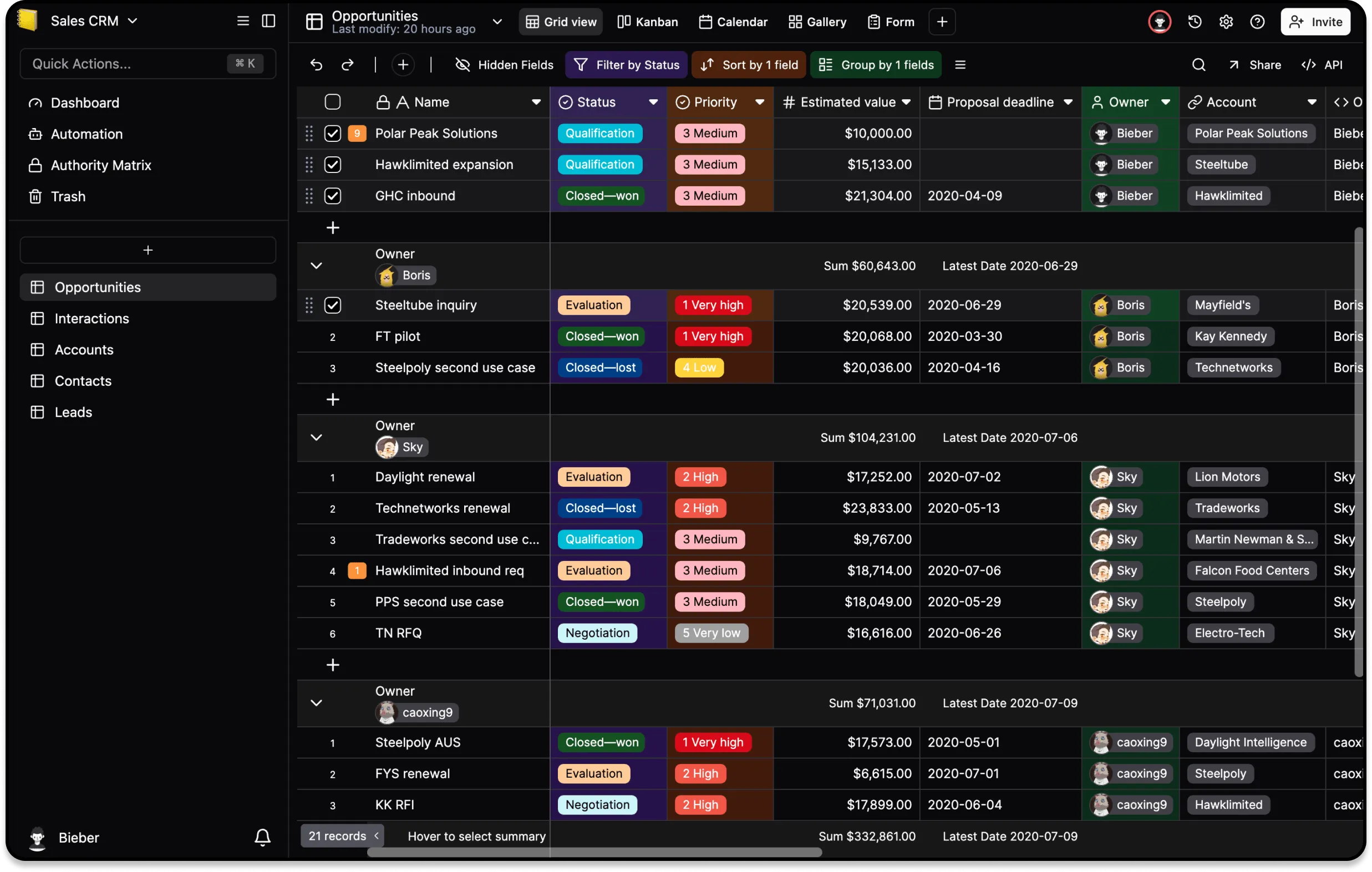
Self-hosting means running the Teable application on infrastructure your team controls instead of using Teable Cloud. You own the server or cluster, database, object storage, domain, TLS certificates, secrets, upgrades, and incident response. The official README lists both cloud and fully self-hosted deployment, so this is a hosting choice rather than a different Teable product.
What self-hosting includes
A useful mental model is “you become the service operator.” You must provision the runtime, connect the database and file storage, protect credentials, expose the service safely, and keep the version supported. A container starting successfully is not the same as a production-ready service: backups, restore tests, monitoring, and an upgrade path are part of the deployment.
Why teams choose it
Self-hosting can keep records and attachments inside a private network, satisfy a data-residency rule, or let an IT team choose its own maintenance window and identity controls. It can also make long-lived infrastructure costs more predictable when you already operate PostgreSQL and observability tooling. These benefits matter most when network placement or governance is a hard requirement, not merely a preference.
What you give up
Cloud removes much of the operational burden. With self-hosting, your team is accountable for patching, capacity, TLS renewal, secret rotation, database tuning, attachment storage, backup retention, restore drills, and outages. The total cost is therefore engineering time plus infrastructure, not only a hosting bill. If no named owner can respond to a failed upgrade or restore, self-hosting is a risk rather than a saving.
How to make the decision
- Mark data residency, private-network access, and identity requirements as mandatory or optional.
- Name the person or team responsible for on-call, backups, upgrades, and security fixes.
- Estimate the first-year operational work, including a restore drill and one rollback rehearsal.
- Run a non-production proof of concept using the official, version-specific instructions. Verify login, permissions, attachments, API calls, backups, restore, and an upgrade rollback.
- Choose Cloud if speed and reduced operations win; choose self-hosting only when control requirements justify the ongoing ownership.
This is a decision guide, not a capacity-tested production runbook. Follow the official self-hosting documentation and the canonical Teable repository for commands, supported versions, and deployment changes.