
Start Using Teable: A Practical First Base
A verified first-day path for Teable: choose cloud or self-hosted, create a base, shape a table, pick a view, and invite collaborators.
Teable is an AI Spreadsheet for Business: a spreadsheet-like interface over structured business data. Your first goal should be one complete workflow, not a large blank workspace. The sequence below takes you from hosting choice to a base that another person can safely use.
What you create
A space is the team-level container, a base is one workflow’s data model, a table stores one type of record, and a view is a purpose-built way to read or collect those records. Keeping those boundaries clear prevents a “miscellaneous” table from becoming the team’s permanent source of truth.
Why the order matters
Cloud is the fastest way to validate the product because you do not operate infrastructure. Self-hosting is appropriate when private networking or data control is a requirement and someone owns backups and upgrades. Decide this before importing data; moving a production base later adds avoidable migration and permission work.
How to build a first workflow
- Choose Cloud or a self-hosted instance and create a space for the team.
- Create a base for one measurable workflow, such as lead intake or project requests.
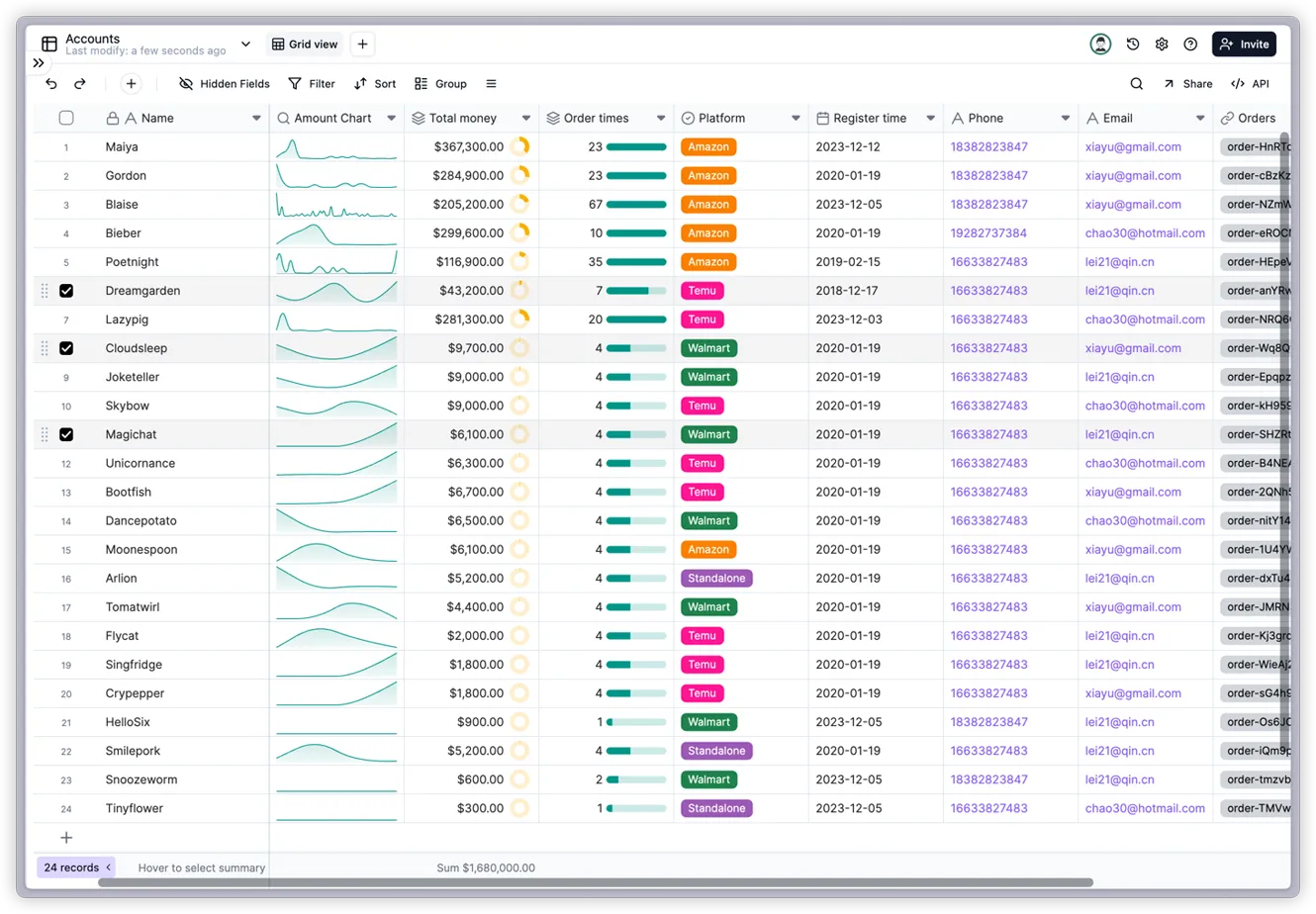
- Import a small CSV/Excel sample or start empty. Define field types for status, owner, dates, links, and attachments instead of leaving everything as text.
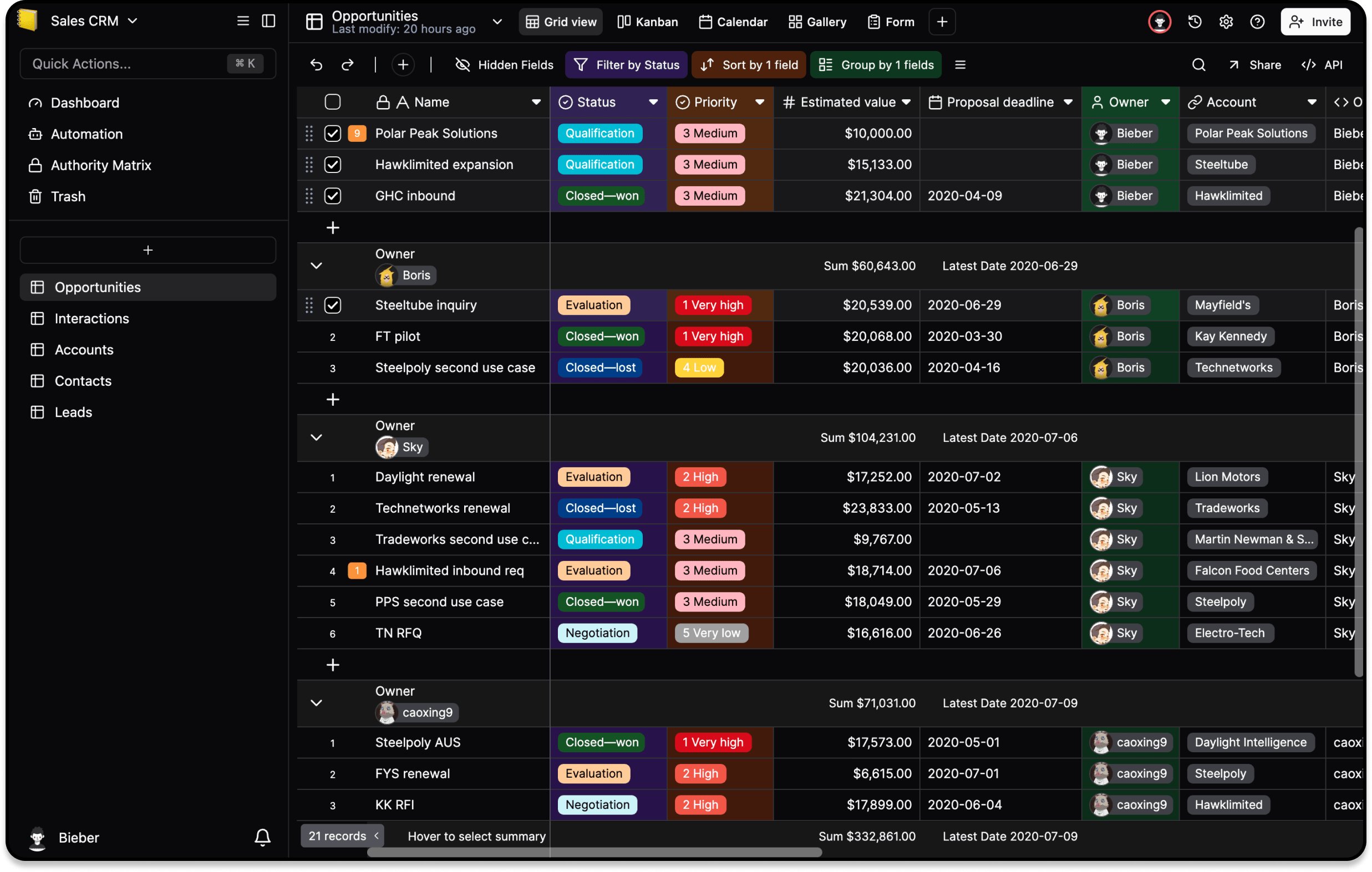
- Keep a grid view for inspection. Add a form for collection, kanban for status work, calendar for deadlines, or gallery for visual assets only when a real user needs it.
- Invite collaborators after the schema is understandable. Test one normal edit, one restricted role, and one shared view with representative accounts.
- Export or back up the sample, then document the owner and next step before adding automation or API credentials.
What “done” looks like
A colleague can add a record, find it in the intended view, and see only the fields allowed by their role. You can explain where the source data lives, how it is backed up, and who owns the next change. That is a useful first base; a collection of disconnected demo views is not.
For deployment tradeoffs read Should You Self-Host Teable?. For scripts and integrations read Connect to the Teable API Safely.