
Teable vs NocoDB for Self-Hosting
Compare Teable and NocoDB for a self-hosting decision using database fit, views, permissions, APIs, integrations, AI direction, and maintenance.
Short answer: Teable and NocoDB both turn database records into spreadsheet-like workflows, but they optimize for different operating choices. Teable is compelling when PostgreSQL, AI workflows, custom apps, and Cloud/full self-hosting belong in one platform. NocoDB is compelling when you want a no-code layer over your own PostgreSQL/MySQL/SQL Server data, many views, granular access control, REST/MCP access, and a documented automation surface. Test both against the same database workflow before choosing.
What each product is
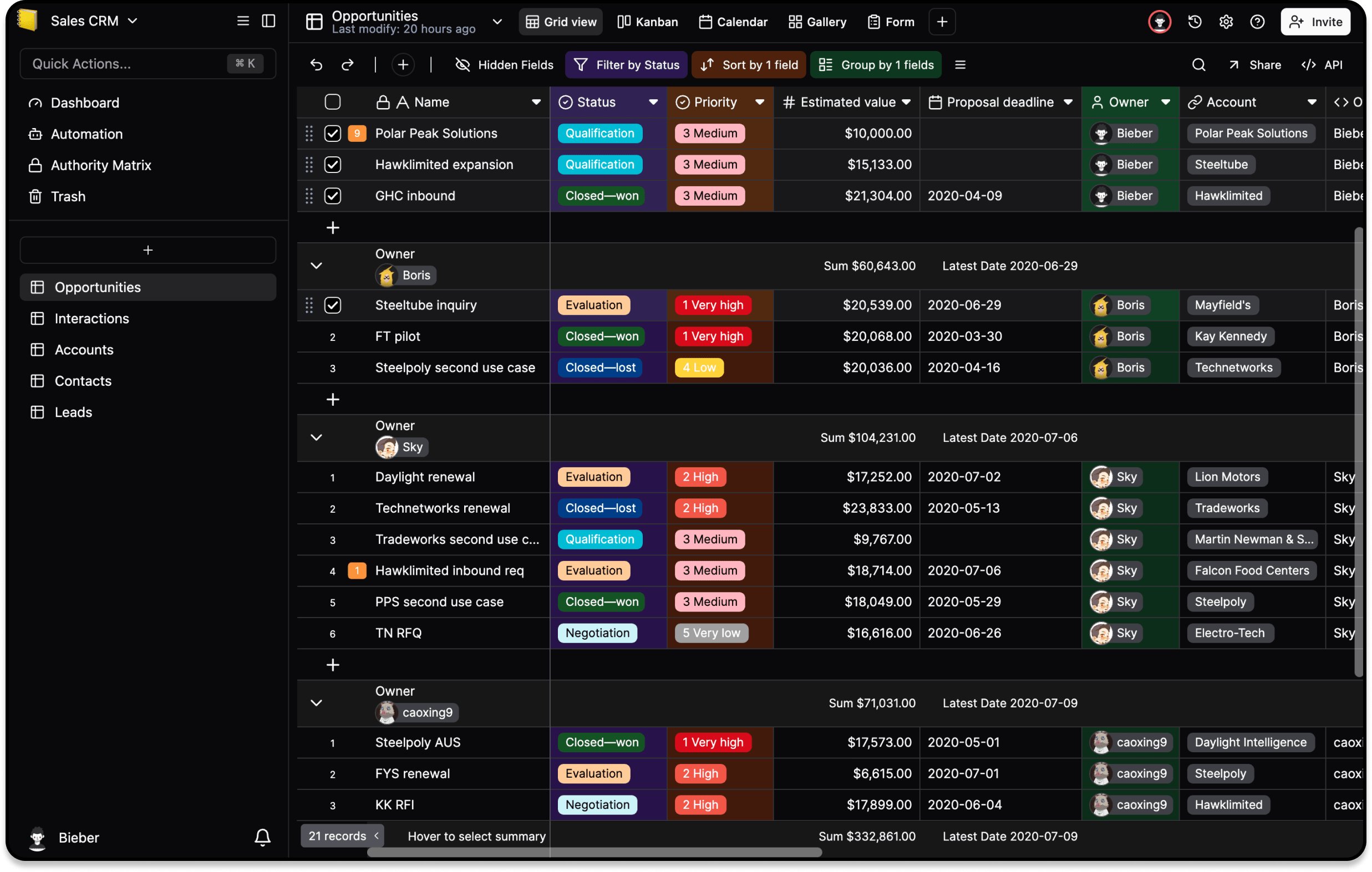
Teable’s official README describes a real PostgreSQL foundation with tables, views, permissions, APIs, AI chat, App Builder, and self-hosting options. NocoDB’s official site describes a no-code database interface that can use its hosted database or connect to PostgreSQL/MySQL, with grid, form, gallery, kanban, calendar and other views. Its documentation also lists access control down to workspace, base, table, field, and record levels, plus REST APIs and an MCP server.
Strengths and weaknesses
| Area | Teable | NocoDB |
|---|---|---|
| Database fit | PostgreSQL-backed product with Cloud and full self-hosting | Bring your own PostgreSQL, MySQL, SQL Server, or use hosted data |
| AI direction | AI chat, AI fields, agents, and App Builder are first-class product themes | NocoAI assists with bases, fields, views, formulas, and options; verify plan and maturity |
| Views and apps | Spreadsheet, forms, views, permissions, and custom app building | Broad view set, dashboards, extensions, and no-code workflows |
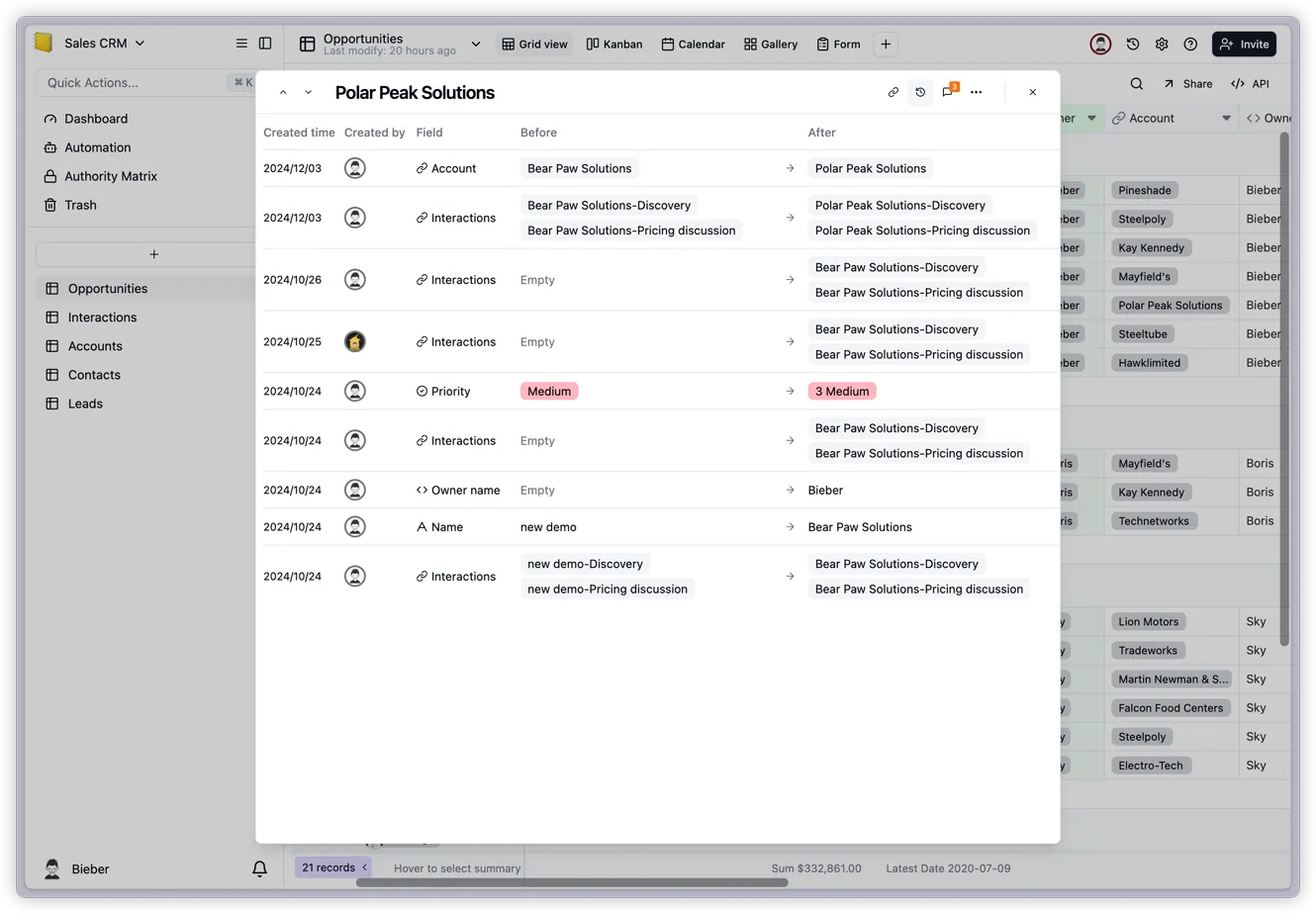
| Access and APIs | Permissions and HTTP APIs in the same Teable platform | Fine-grained access levels, REST APIs, webhooks, scripts, and MCP in docs |
| Operations | Self-hosting gives control but adds database and upgrade ownership | Self-hosting/data sovereignty is a core message, but you still own backups, upgrades, and monitoring |
Why the choice matters
The main decision is not whether both can display a grid. It is whether your team wants Teable’s integrated AI/app direction and PostgreSQL product model, or NocoDB’s database-connectivity breadth and explicit no-code administration surface. License terms, attachment storage, permission inheritance, API behavior, and recovery procedures can change the total cost long after the first demo.
How to run the comparison
Use the same schema with linked records, the same roles, the same 100 representative records, and the same attachment sample. Rebuild one form, one status view, one API integration, and one automation in each product. Then export, back up, restore, upgrade a test instance, and record who performs each operation. Include a negative permission test: a user who must not see or edit a sensitive field.
Recommendation
Choose Teable when a PostgreSQL-backed workspace, AI-assisted workflows, and custom apps are the center of the project. Choose NocoDB when connecting existing heterogeneous databases, granular database-level access, and its REST/MCP/automation surface are more important. If neither is a hard fit, keep the source database authoritative and select the interface that passes the permission and recovery tests with the smaller operating burden.
Sources: Teable repository, NocoDB product page, and NocoDB documentation.
Related articles
guide
Should You Self-Host Teable?
A Teable self-hosting decision checklist covering the official repository, deployment responsibilities, cloud tradeoffs, and pre-production verification.
comparisons
Teable vs Airtable: Which Fits Your Team?
A practical Teable vs Airtable choice guide based on hosting control, PostgreSQL, AI workflows, custom apps, ecosystem, migration, and operations.