
Connect to the Teable API Safely
Use Teable API documentation to choose a cloud or self-hosted base URL, authenticate with Bearer tokens, find IDs, paginate, and test read access.
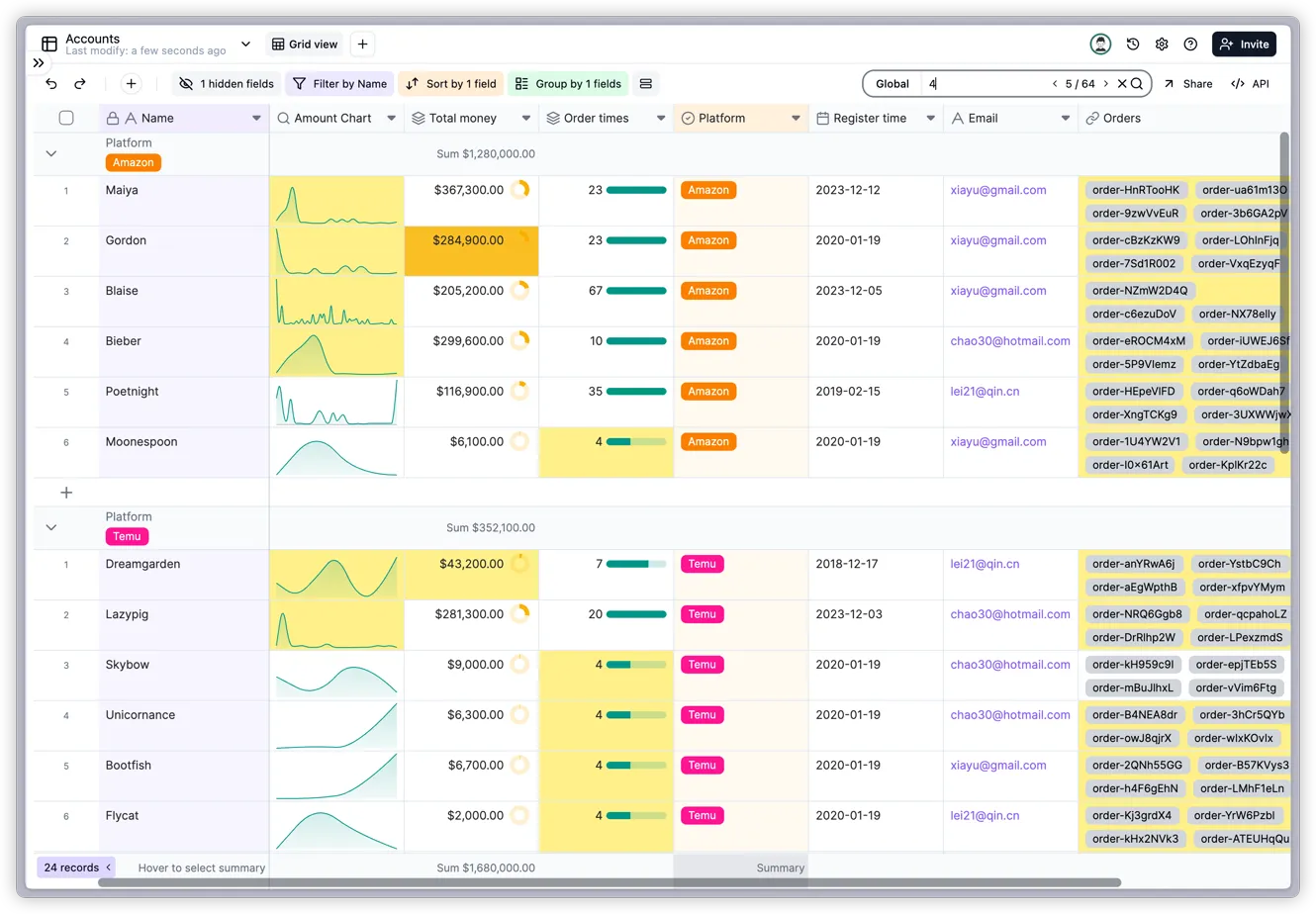
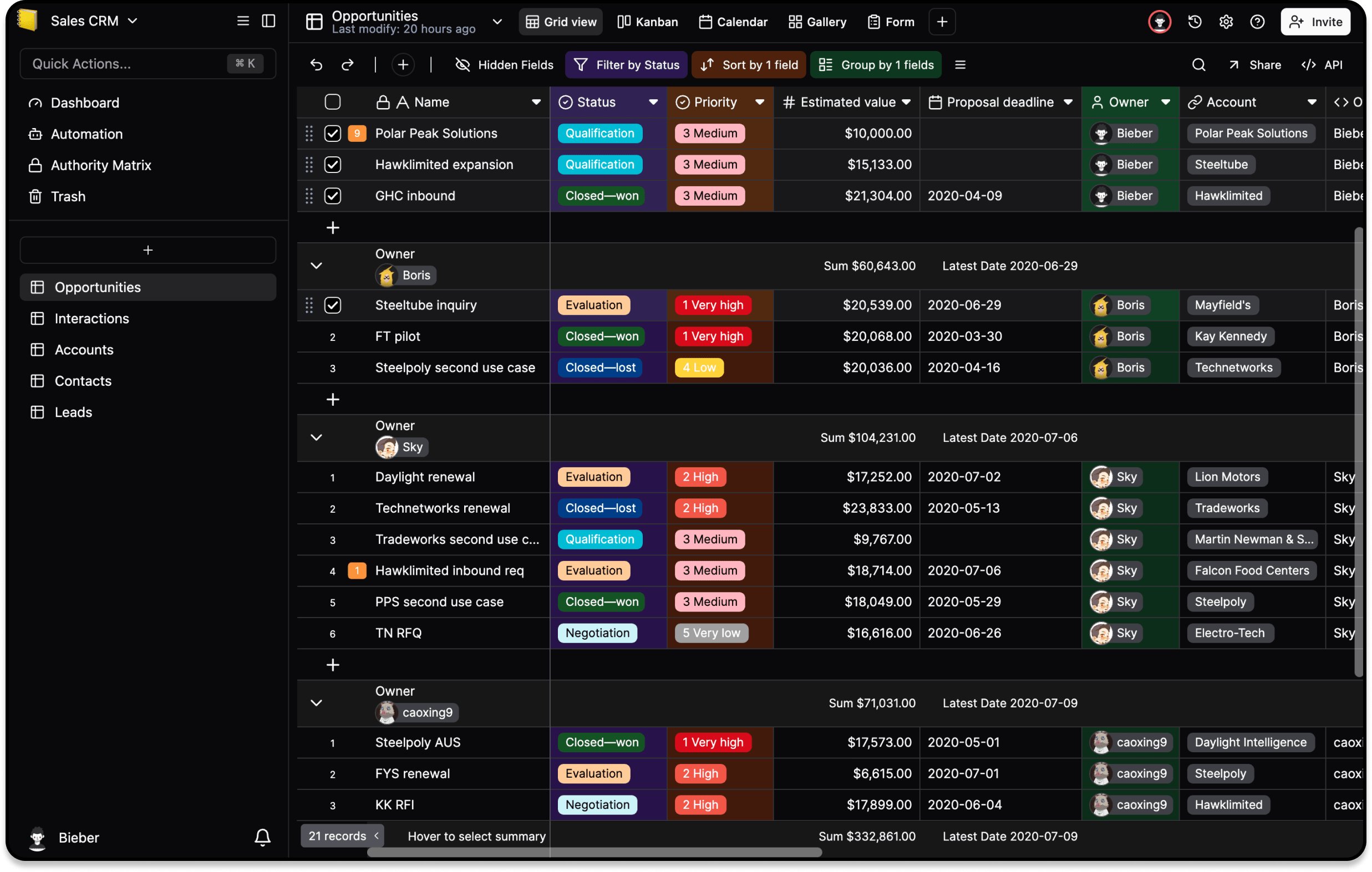
The Teable API is an HTTP interface for bases, tables, views, fields, and records. Start with one bounded read request before building a sync or write integration. Teable Cloud uses https://app.teable.ai; a self-hosted instance uses its own origin and API paths under /api.
What you need
The API identifies resources with values such as spaceId, baseId, tableId, viewId, fieldId, and recordId. A wrong ID can look like an empty result or a 404, so copy IDs from the documented response or URL rather than guessing. List endpoints commonly use take and skip; always set a finite page size.
Why token choice matters
Use a Personal Access Token for a script owned by one workspace or service account. Use OAuth when a multi-tenant integration must let each user grant access separately. Store either credential outside source control and grant only the scopes needed for the test. A 401 usually indicates a missing or invalid token; a 403 usually indicates valid authentication without the required permission.
How to test safely
- Select the correct Cloud or self-hosted origin and confirm it in a browser.
- Create a disposable base and the narrowest read scope available.
- Find the base and table IDs from the official API examples.
- Send one
GETrequest withAuthorization: Bearer <token>and a smalltakevalue. - Check the status code and returned base/table before adding pagination, writes, attachments, or bulk jobs.
- Add retry and logging only after you can identify which request and ID failed; never log the token or full sensitive records.
The official API overview is authoritative for routes and schemas. Community MCP bridges are a separate trust decision; see Teable MCP.